
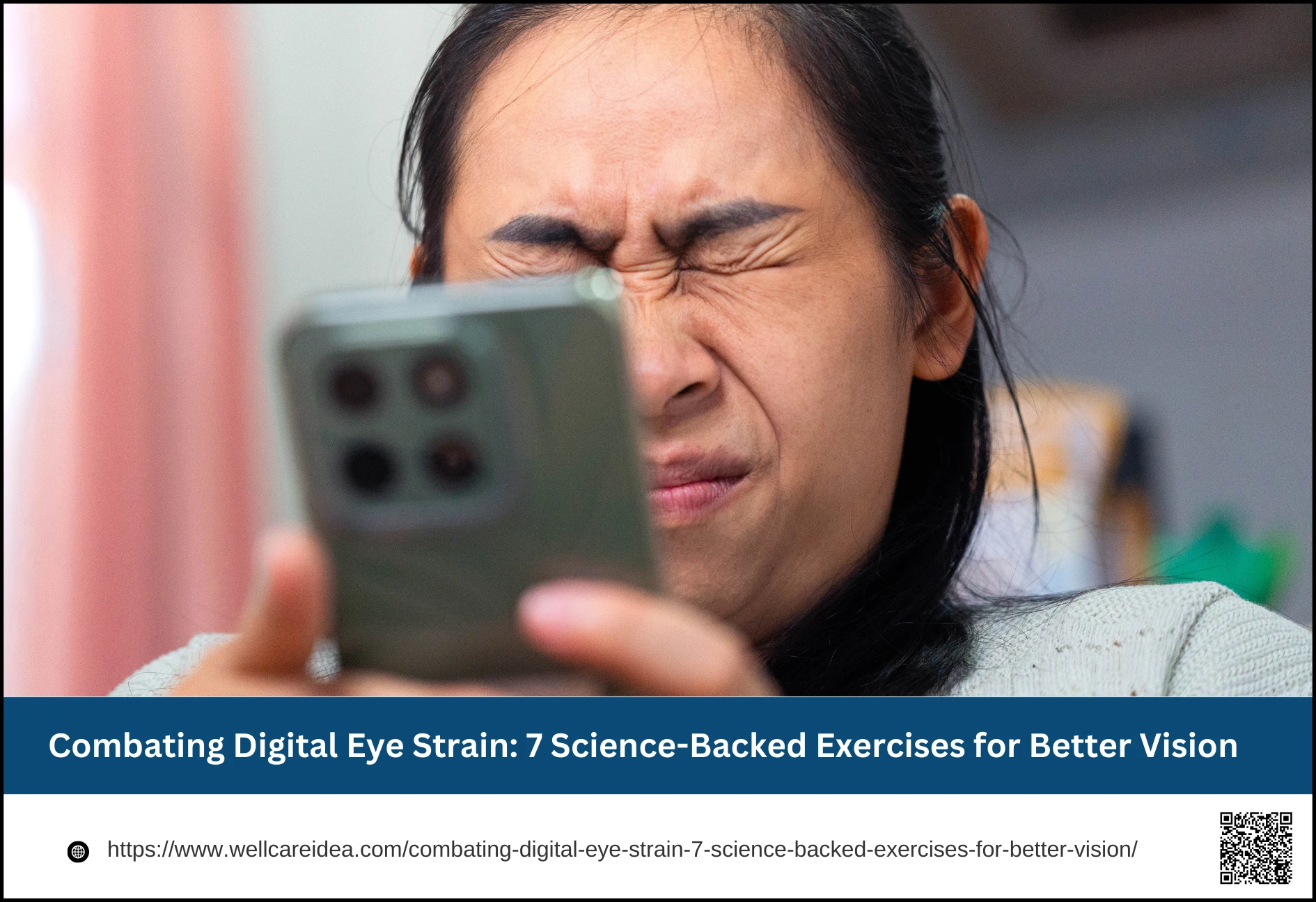
In today’s digital world, our eyes are working overtime. The discomfort that follows a long day in front of a computer or smartphone—often described as digital eye strain or computer vision syndrome—is a common experience for millions. This condition arises from the intense, uninterrupted focus demanded by screens, which can lead to a range of uncomfortable symptoms 1 While it doesn’t cause permanent damage, it can significantly impact daily comfort and productivity. The good news is that simple, evidence-based strategies, including specific eye exercises, can offer substantial relief. This article explores the causes of digital eye strain and details seven practical exercises, supported by research and expert recommendations, to help you protect your vision and enhance your eye health in the digital age.
Understanding Digital Eye Strain
Digital eye strain is not a single condition but a collection of symptoms triggered by prolonged use of computers, tablets, and other digital devices. The primary culprit is our behavior when using these screens. Normally, we blink about 15 times a minute to refresh the tear film that protects the eye’s surface. However, when concentrating on a screen, this rate can drop to just five to seven blinks per minute 1 This reduced blinking leads to increased tear evaporation, resulting in dryness, a gritty sensation, and blurry vision.
A second major factor is accommodative spasm, where the eye’s focusing muscle locks into a near-vision position. Staring at a screen placed at a fixed, close distance for hours prevents this muscle from relaxing, leading to fatigue, difficulty refocusing on distant objects, and headaches. Other contributing elements include screen glare, improper viewing distances, poor posture, and even uncorrected vision problems 2 Common symptoms extend beyond the eyes themselves and can include watery or dry eyes, burning or itching, blurred vision, headaches, and even neck and shoulder pain 3 Research shows that these visuo-ocular symptoms progressively worsen during uninterrupted digital tasks and can lead to a measurable decrease in work productivity 1
1. The 20-20-20 Rule: The Essential Break
One of the simplest and most widely recommended strategies to combat digital eye strain is the 20-20-20 rule. The principle is straightforward: every 20 minutes spent looking at a screen, you should take a 20-second break to look at an object approximately 20 feet (6 meters) away. This brief pause serves a critical physiological purpose. It forces the eye’s ciliary muscle, which is responsible for focusing on near objects, to relax and shift its focus to a distant target.
By regularly interrupting the sustained near-focus demand of screen work, you prevent the muscle from becoming fatigued and locked into a tight position. This reduces the risk of blurry distance vision and headaches that often follow long computer sessions 1 Experts from Harvard Medical School suggest that taking these brief breaks to refocus on a distant target is among the most effective ways to ease eyestrain. To make this a habit, consider setting a silent timer or using dedicated apps and browser extensions that remind you to take these vital vision breaks throughout your workday.
2. Eye Palming for Relaxation
When your eyes feel hot, tired, or strained, a technique called eye palming can provide immediate, soothing relief. This exercise is designed to create a state of total darkness and gentle warmth, which helps calm the eye muscles and the nervous system. To practice it, begin by rubbing your palms together vigorously for 10-15 seconds until they feel warm. Then, cup your palms gently over your closed eyes, ensuring your fingers are crossed on your forehead and no pressure is applied to the eyeballs themselves. The heels of your hands should rest lightly on your cheekbones.
The goal is to block out all light and allow the warmth from your hands to penetrate your eye sockets. Breathe deeply and hold this position for one to two minutes, visualizing a relaxing scene or complete blackness. This practice reduces stress and tension around the eyes, which can be especially beneficial during a work break or after an extended period of screen time 4 By giving your eyes a rest in pure darkness, you help reset their visual system and alleviate some of the strain caused by constant exposure to bright screen light.
3. Conscious Blinking Practice
As mentioned, infrequent blinking is a root cause of screen-induced dry eyes. A conscious blinking practice directly counteracts this problem. Make it a habit to periodically pause and perform a deliberate blinking routine. Close your eyes gently, pause for a two-count, squeeze your eyelids lightly, pause again, and then open them slowly. Repeating this sequence 10-15 times helps to fully spread a fresh layer of tears across the cornea, replenishing moisture and clearing away microscopic debris that can contribute to blurry vision 1
This exercise is remarkably effective because it manually performs the function your eyes automate less frequently during screen use. Regular practice can significantly reduce feelings of dryness and grittiness. For optimal results, integrate brief blinking sessions every 20-30 minutes during computer work. You can pair it with the 20-20-20 rule: after looking into the distance for 20 seconds, spend another 10 seconds performing your conscious blinking routine to fully refresh your eyes.
4. Focus Shifting (Near-Far Focus)
This exercise is like weight training for your eye’s focusing system, improving its flexibility and strength. To perform focus shifting, hold your thumb or a pen about 10 inches (25 cm) from your face and focus clearly on it. Then, slowly shift your focus to an object 10-20 feet away, such as a picture on a far wall or a tree outside a window. Hold that distant focus clearly before shifting back to your thumb. Alternate your focus between the near and far targets every few seconds, performing 10-15 cycles.
This action strengthens the ciliary muscle responsible for changing the shape of your lens to focus. With regular practice, you can improve your eyes’ ability to switch focus quickly and effortlessly, counteracting the “stuck” feeling that comes from staring at a fixed-distance screen all day. It is best practiced during natural breaks, and doing it while looking out a window provides an excellent range of distances for your eyes to explore.
5. Gentle Eye Rolling
Eye rolling is a simple movement exercise that promotes better circulation and coordination among the six muscles that control each eye’s movement. To do it correctly, sit or stand with your head still and back straight. Slowly look up as high as you comfortably can, then slowly rotate your eyes in a wide, clockwise circle. Complete three to five slow circles, then repeat counter-clockwise. The key is to perform the movement slowly and smoothly to avoid dizziness and to ensure you are stretching the muscles, not just jerking your eyes.
This exercise helps reduce stiffness and can relieve the fixed, forward gaze posture common in computer work. It’s particularly useful for people who work in confined spaces, as it encourages full-range motion. Always perform this exercise without contact lenses in, if possible, and stop immediately if you feel any pain or significant discomfort.
6. Figure-8 Eye Movement
The figure-8 eye movement exercise enhances your eyes’ tracking ability and flexibility. Imagine a large, horizontal number 8 (the infinity symbol) lying on its side about 10 feet in front of you. Without moving your head, use only your eyes to slowly trace the path of this imaginary figure. Trace it in one direction for five loops, then reverse and trace it in the opposite direction for another five loops.
This controlled, complex movement pattern challenges the eye muscles more than simple rolling and is excellent for improving coordination. For those who do detailed work on a computer, this exercise can help combat the rigid, straight-ahead focusing pattern 5 It trains your eyes to move smoothly and accurately across a path, which can contribute to reduced strain during tasks that require visual tracking.
7. Pencil Push-Ups (Convergence Exercise)
Pencil push-ups are a specific exercise designed to improve convergence—the eyes’ ability to turn inward together to focus on a very close object. This skill is crucial for reading and detailed close work and can deteriorate with strain. Hold a pencil vertically at arm’s length, with the eraser pointed toward your face. Focus on the letters on the pencil’s side or a small mark on the eraser. Slowly bring the pencil toward the bridge of your nose, keeping the single, focused image as clear as possible for as long as you can. The moment you see two pencils (double vision), stop and slowly move it back to arm’s length. Repeat this process 10-15 times.
This exercise strengthens convergence and helps prevent symptoms like occasional double vision or headaches after intense near work 5 Practicing this for a few minutes once or twice a day can help maintain your eyes’ teamwork and focusing ability at close range.
Creating a Comprehensive Eye-Healthy Routine
While exercises are powerful, maximizing eye comfort requires a holistic approach that includes your environment and habits.
Workspace Ergonomics
Proper setup is critical. Position your screen so that the center is 4 to 8 inches below eye level and about 20 to 26 inches from your face 6 This reduces strain on both your eyes and neck. Adjust screen brightness to match the ambient room light and use a matte filter to minimize glare. Ensure your chair supports good posture, with your feet flat on the floor and arms supported.
Table: Key Ergonomic Adjustments for Your Workspace
| Adjustment | Recommendation | Primary Benefit |
| Screen Distance | 20-26 inches (arm’s length) | Reduces focusing strain |
| Screen Height | Center 4-8 inches below eye level | Promotes better posture and reduces neck strain |
| Lighting | Match screen brightness to room; reduce glare | Prevents squinting and discomfort from bright light sources |
| Seating | Supportive chair, feet flat, arms supported | Reduces overall bodily fatigue that can compound eye strain |
Nutritional Support for the Eyes
Diet plays a foundational role in long-term eye health. Emerging research highlights specific nutrients that support visual function. A 2025 randomized controlled trial published in Frontiers in Nutrition found that high screen users who took supplements containing lutein and zeaxanthin (10mg and 2mg daily) for six months showed significant improvements in objective measures of tear production and retinal recovery time compared to a placebo group 7 These carotenoids, which form the macular pigment in the eye, act as natural antioxidants and blue-light filters.
Table: Essential Nutrients for Eye Health and Their Sources
| Nutrient | Role in Eye Health | Food Sources |
| Lutein & Zeaxanthin | Filters blue light; protects retinal cells; supports tear film | Spinach, kale, corn, egg yolks, orange peppers |
| Omega-3 Fatty Acids | Supports tear film; reduces inflammation | Fatty fish (salmon, mackerel), flaxseeds, walnuts |
| Vitamin C | Antioxidant; supports blood vessels in the eyes | Citrus fruits, strawberries, bell peppers, broccoli |
| Vitamin E | Protects eye cells from oxidative damage | Almonds, sunflower seeds, avocados |
It’s important to note that while objective measures improved in the study, participants did not always report feeling a dramatic subjective difference. Furthermore, experts from the American Academy of Ophthalmology state that there is no strong evidence supporting the use of blue-light filtering glasses for reducing digital eye strain 8 The most effective strategy remains a combination of behavioral changes—taking breaks, blinking, and optimizing your workspace.
Conclusion
Protecting your vision in the digital age is an active endeavor. The discomfort of digital eye strain is a signal from your body to change your habits. By incorporating simple, research-backed exercises like the 20-20-20 rule, blinking practice, and focus shifting into your daily routine, you can directly address the muscle fatigue and dryness that cause discomfort 1 These practices, combined with thoughtful ergonomic adjustments and a diet rich in eye-supporting nutrients, form a powerful defense 6 Committing to these small but consistent actions will not only enhance your immediate visual comfort but also support your long-term eye health, allowing you to stay productive and connected without compromising your well-being. Start today by choosing one exercise to practice consistently, and build from there—your eyes will thank you.